The platform
The platform that runs your whole venue
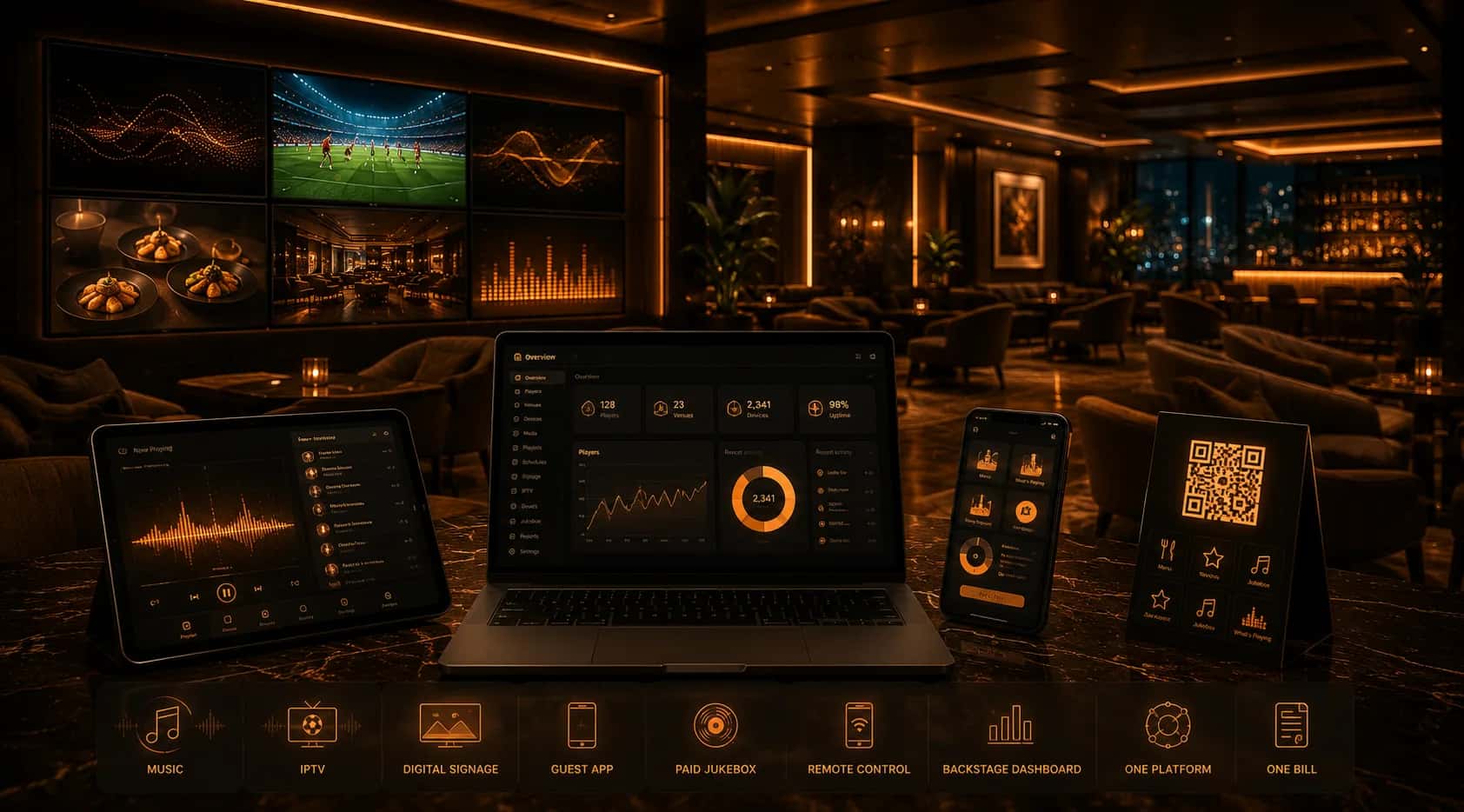
Players for every device, control from your phone, and a Backstage dashboard that manages one venue or a thousand. Music, IPTV, signage, a guest app and a paid jukebox — one system, one bill.
Players for your venue
Run on the device that suits you. The Android Player is our full-featured, recommended player.
What can play
Every sound source your venue needs — all licensed for business use.
CloudDJ playlists
Curated, ready-to-play playlists for any moment.
MUSICDJ Radio
Custom, ad-free genre streams made in-house.
WebRadio
A hand-picked selection of world radio stations.
WorldRadio
50,000 world radio stations, browsable by country.
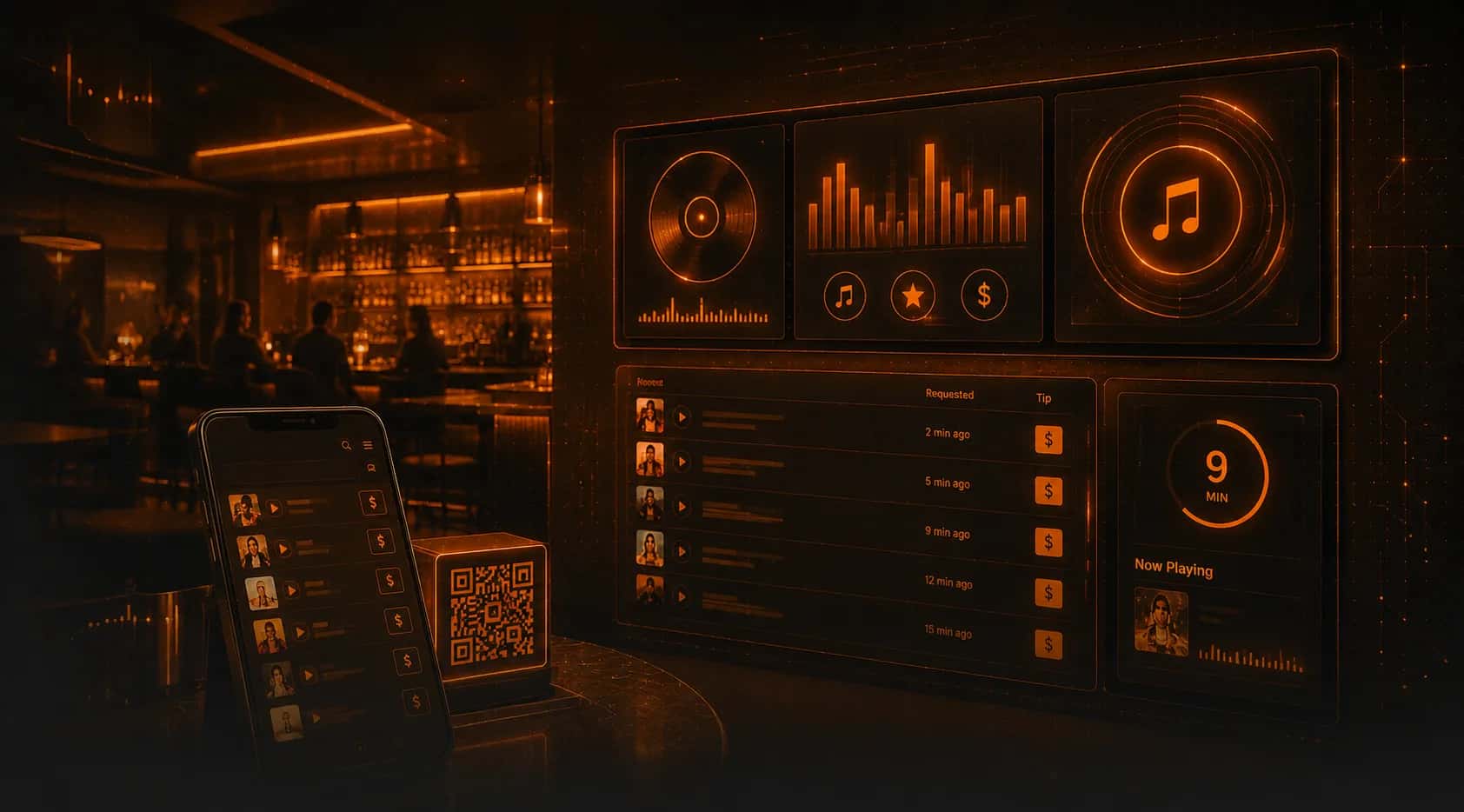
Jukebox
Play any song from the catalog on any player — from remote or Backstage.
Adverts & jingle alerts
Play promos from the player or send them from the remote app.
Set-and-forget automation
The player runs itself, so staff don’t have to think about it. (All configurable from every remote app.)
Silent time
Auto start/stop so the player turns itself off outside hours.
Daily reboot
Scheduled nightly restart keeps everything reliable.
Jingle & alert scheduler
Schedule promos and announcements down to the minute.
Automatic offline switching
If the internet drops, music AND signage keep playing — never an empty screen or silent room.
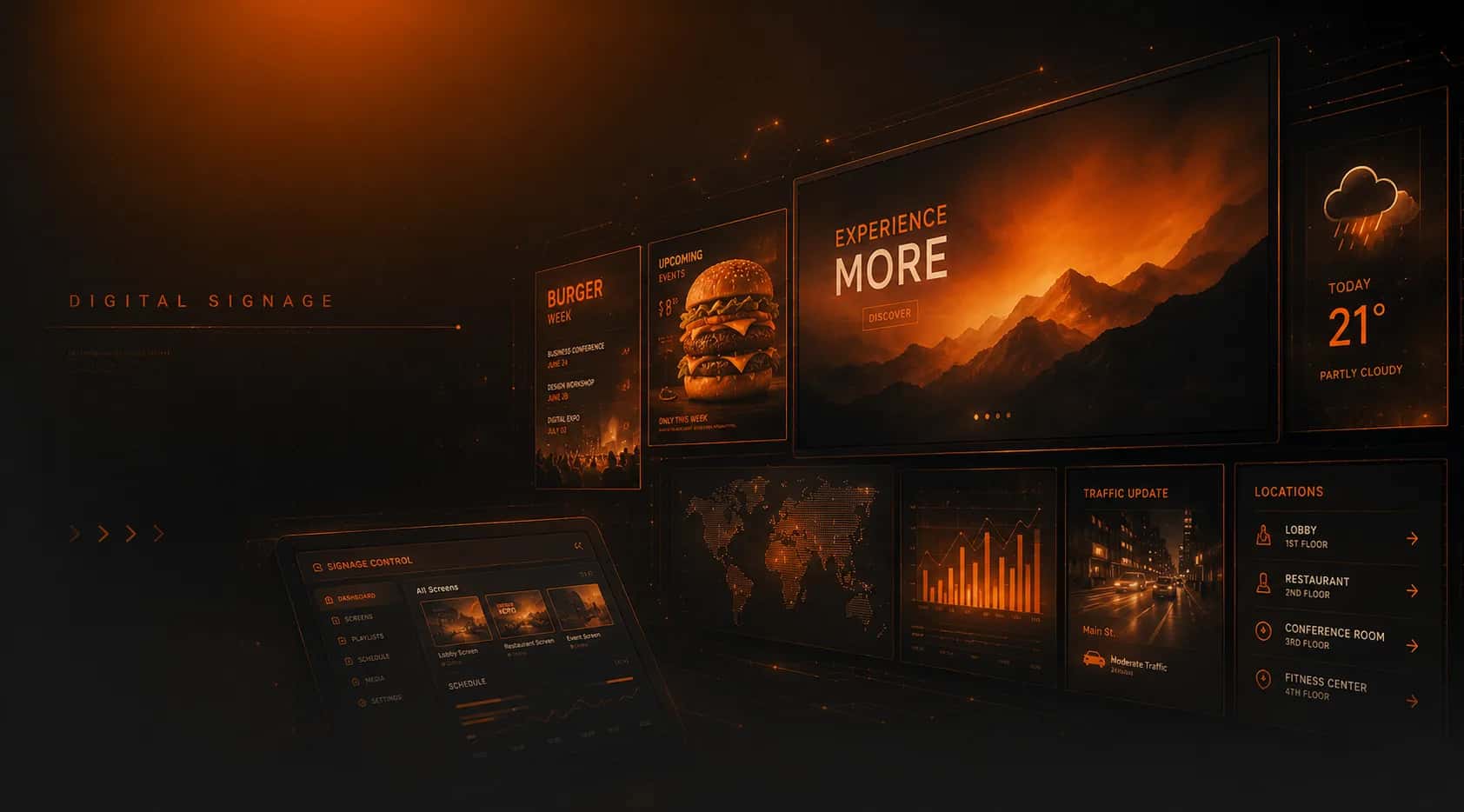
Digital signage, built in
Managed centrally from Backstage, with real-time updates across every screen. (See Digital Signage.)
What’s playing
Show the current track live on screen.
Weather widget
Live local weather on your displays.
Google reviews
Surface your latest Google rating and reviews.
HLS stream input
Pipe in any HLS video/stream source.
Webpages
Display any web page on a screen.
QR code create
Generate and show QR codes on screen.
Clock & time
On-screen clock and date.
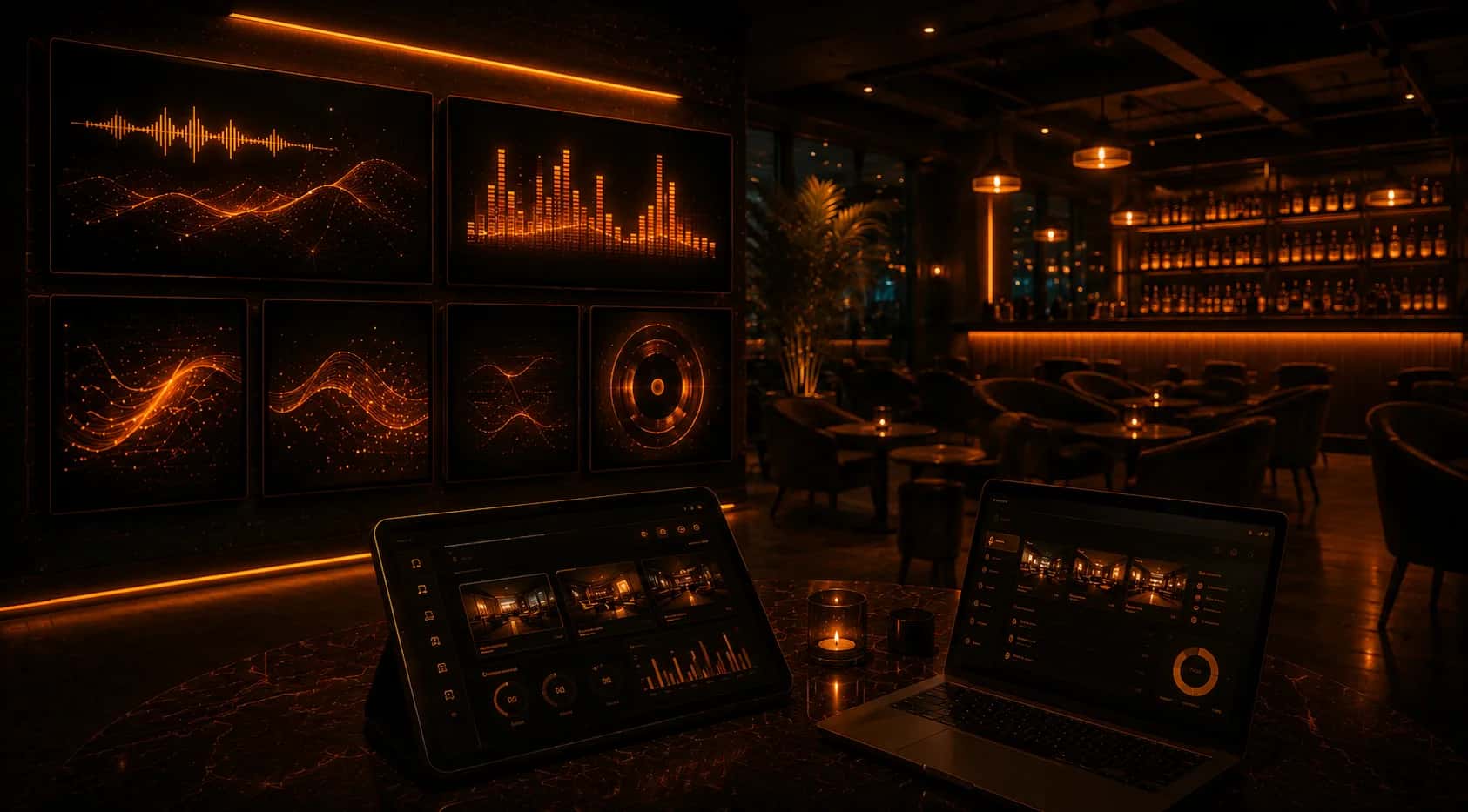
Multi-device management
Manage every screen from one place, in real time.
AI image creator
Generate on-brand signage visuals with AI.
Control from your phone — remote apps
iOS, Android and Web remotes for staff. Manage content on the go (signage stays on Backstage).
Central monitoring hub
See the status of every device at a glance.
Notification center
Alerts for devices and events in one place.
Real-time Google reviews
Live reviews from Google Places.
Weather
Local weather at every location.
Manage one or all devices
Change content on a device, a group, or everything.
All player settings
Silent time, daily reboot and schedulers — from your phone.
Backstage — built for chains & teams
The central dashboard. Unlimited locations and devices, with control at any scale.
Control 1 or 1,000 at once
Group devices and manage them as one — change a thousand simultaneously.
Members & roles
Add staff as admin or user, and assign them a location, device or group to control via the remote app.
Unlimited scale
Unlimited locations per organisation, unlimited devices per location.
PayPlay payouts in real time
See earnings live and exactly which songs played.
Scheduler analytics
Real-time log of when each jingle/alert played — and that all is well.
Master menu for chains
One master menu for 1,000 locations — while each location can add or change its own items.
Currency conversion
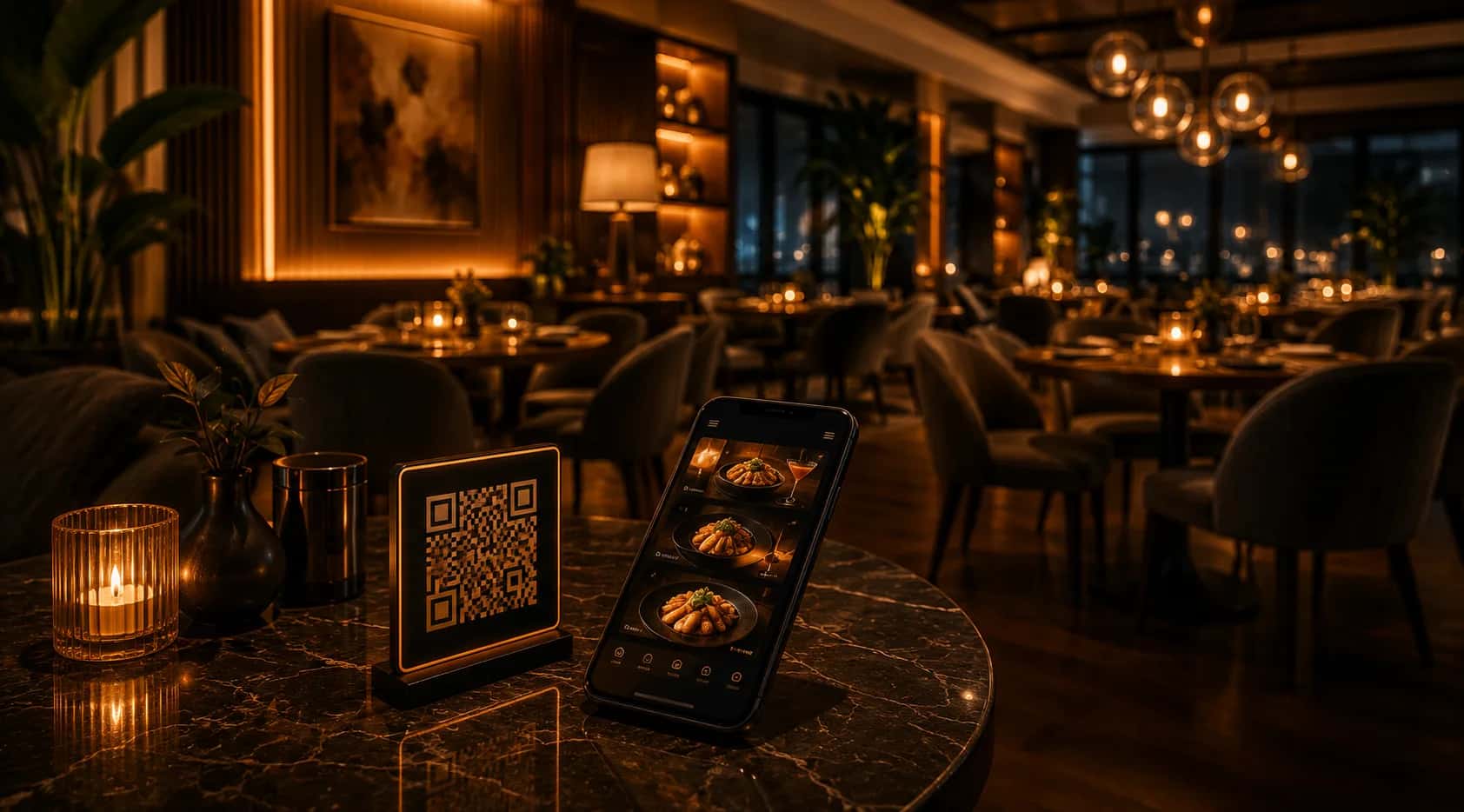
Guest menus convert prices automatically on the PWA.
Working hours
Set kitchen and bar hours separately — shown on the guest app.
Event banners
Promote events with banners on your Connect guest app.
Five solutions, one platform
Everything runs from the same dashboard, on the same players — one bill.

Platform — FAQ
What’s the difference between the Android Player and the Web Player?+
The Android Player is the full venue player — all content sources, IPTV, jukebox, signage, adverts and automation. The Web Player is music-focused and great for getting started fast in a browser.
Can I manage many locations and devices?+
Yes — unlimited locations per organisation and unlimited devices per location. Group devices and control one or 1,000 at once from Backstage.
Can staff have limited access?+
Yes. Add members as admin or user and assign each a specific location, device or group to control via the remote app.
What happens if the internet drops?+
Automatic offline switching keeps both music and signage playing, so a venue is never left silent or with a blank screen.
Where do I manage digital signage?+
Signage is managed centrally in the Backstage dashboard, with real-time updates to every screen. Remote apps handle music and content control on the go.

One platform for your whole venue
Create a free account, add a device, and run music, screens and your guest app from one dashboard.